
01 · Sample overview
UG-2026-0142
Sample weight150 g
Analyzed beans1,674

360° view of every bean Up to 500 g sample Arabica and Robusta SCA, COB, NY, GCA
Register the sample, load the beans, follow the scan, and open the finished result.

Sample ID, origin, processing method and weight go in on the touchscreen or in the web application.

The beans go in. VeroLab separates them and captures a 360° view of every one.

The finished record opens on any screen: sizes, defects, colour, and the beans behind each number.
This is a complete VeroLab record: sample context, screen sizes, every classified defect, the beans behind each number, and the colour analysis.
See where the sample sits across standard screens and separate good coffee from classified defects.
| Screen | Beans | Mass | All | Good | Defects |
|---|---|---|---|---|---|
| 20+ | 26 | 4.19 g | 2.80% | 1.05% | 1.75% |
| 19 | 51 | 7.24 g | 4.83% | 2.96% | 1.86% |
| 18 | 101 | 12.92 g | 8.62% | 5.56% | 3.05% |
| 17 | 146 | 17.06 g | 11.37% | 6.71% | 4.66% |
| 16 | 225 | 23.52 g | 15.68% | 9.78% | 5.90% |
| 15 | 216 | 20.35 g | 13.57% | 7.42% | 6.15% |
| 14 | 251 | 21.09 g | 14.06% | 7.44% | 6.62% |
| 13 | 214 | 16.36 g | 10.91% | 4.76% | 6.15% |
| <13 | 444 | 27.26 g | 18.17% | 4.89% | 13.28% |
| Total | 1,674 | 150.00 g | 100% | 50.57% | 49.43% |
Counts are translated into sample share, estimated weight, and Full Bean Equivalent for review against SCA guidance.
| Defect | Count | Share | Weight | FBE |
|---|---|---|---|---|
| Full black | 386 | 23.06% | 30.29 g | 386 |
| Full sour | 4 | 0.24% | 0.40 g | 4 |
| Foreign matter | 10 | 0.60% | 1.21 g | 10 |
| Cherry pod | 13 | 0.78% | 1.52 g | 13 |
| Part black | 98 | 5.85% | 9.36 g | 32 |
| Withered | 6 | 0.36% | 0.58 g | 1 |
| Shell / ear | 19 | 1.14% | 2.00 g | 3 |
| Broken / chipped / cut / flat | 229 | 13.68% | 18.85 g | 45 |
| Parchment | 15 | 0.90% | 2.11 g | 3 |
| Hull / husk | 92 | 5.50% | 7.82 g | 18 |
| Total defects | 872 | 52.09% | 74.14 g | 515 |
The report’s dalvany image panels display the original classified bean tiles with their confidence scores.
Original classified beans from UG-2026-0142, ordered by confidence. Hover to inspect. Click a bean to open its captured views.
dalvany-image-paneldalvany-image-paneldalvany-image-paneldalvany-image-paneldalvany-image-paneldalvany-image-paneldalvany-image-paneldalvany-image-paneldalvany-image-paneldalvany-image-paneldalvany-image-paneldalvany-image-paneldalvany-image-paneldalvany-image-paneldalvany-image-paneldalvany-image-panelThe live report combines its RGB histogram and CIELAB plot with the calculated average colour.


Beans move through the imaging area one at a time, so no two overlap and the conditions stay the same from sample to sample.
A bean may appear good from one side and clearly defective from another. The AI model evaluates each view separately before the predictions are combined.
This is particularly important for defects such as insect damage, shells, chips, broken beans, and part-black beans.
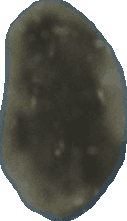
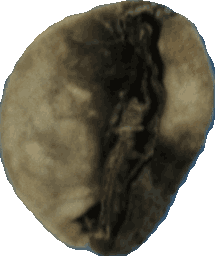
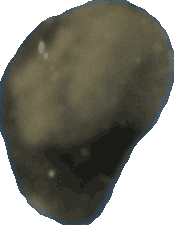
The black area is only visible from one side. The strongest view carries the final label.
Closest alternative: Full Black
Real VeroLab bean captures. View scores shown for illustration.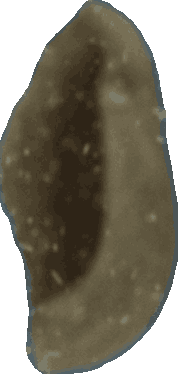
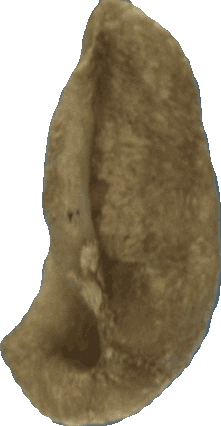
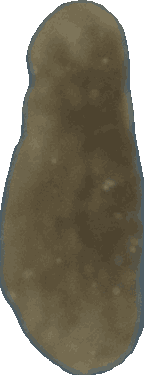
The hollow shell shape is clear from the front view and confirms the label over a broken-bean reading.
Closest alternative: Broken
Real VeroLab bean captures. View scores shown for illustration.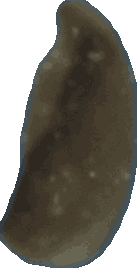
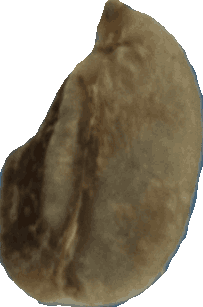
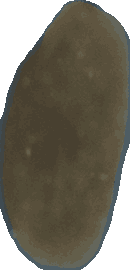
A chipped edge appears in two of three views, so the aggregation keeps the defect label.
Closest alternative: Shell / Ear
Real VeroLab bean captures. View scores shown for illustration.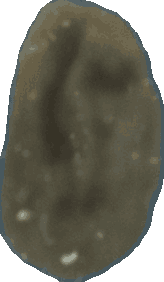
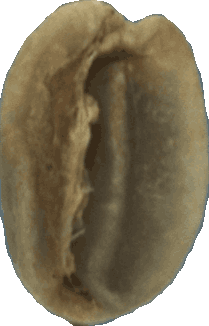
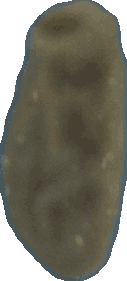
Scores stay close across views. The bean is labelled Withered but flagged for human review.
Closest alternative: Immature
Real VeroLab bean captures. View scores shown for illustration.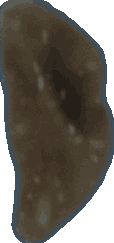
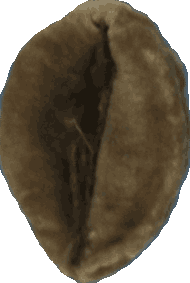
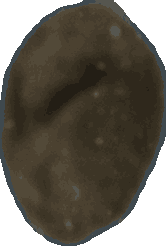
Color alone is ambiguous. The final label is applied with visible uncertainty instead of a hidden decision.
Closest alternative: Full Black
Real VeroLab bean captures. View scores shown for illustration.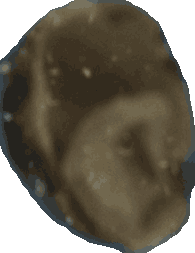
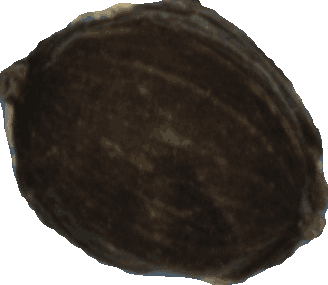
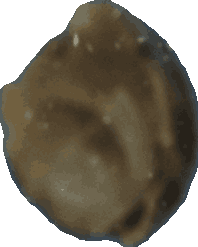
All three views agree. The dried cherry is counted under the protocol’s Cherry Pod category.
Closest alternative: Full Black
Real VeroLab bean captures. View scores shown for illustration.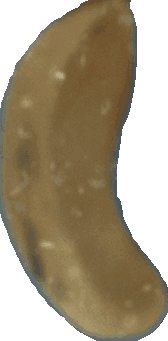
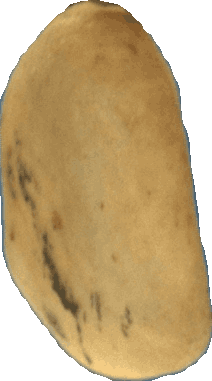
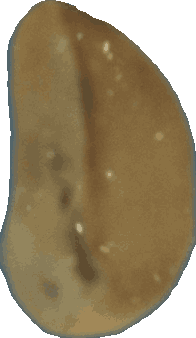
The parchment layer is most visible from the third view, which separates it from loose hull fragments.
Closest alternative: Hull / Husk
Real VeroLab bean captures. View scores shown for illustration.The AI model evaluates each image and produces confidence scores for possible defect categories.
The aggregation layer combines the predictions and applies the agreed thresholds and rules.
The bean receives its final defect label, while the underlying views and confidence scores remain available for review.
A confidence score describes how strongly a view resembles a learned category. It is not an accuracy percentage for the complete sample.
Thresholds, precedence and severity rules are set with your quality team during onboarding, so the same model reports the way your operation grades.
Recognizes visible characteristics and possible defect classes.
Determines how defects are named, counted, and converted into Full Bean Equivalent.
Applies agreed thresholds, precedence rules, severity rules, or internal specifications for a particular origin, process, product, or methodology.
These coffees are not rejected as a category. Representative samples may be needed to determine whether the requirement can be handled through grading alignment or requires custom work.

Compare linked samples at different points in the supply chain.
Typical comparisons include:
The comparison can show changes in screen sizes, visible defects, estimated weights, and color.

Register samples, review results, inspect beans, and generate reports in the VeroLab web application.
Export individual results as PDF and multiple-sample data as CSV.
Retrieve VeroLab results into your ERP, CRM, Cropster environment, or internal system.
The core product does not require additional software modules. Optional modules use green coffee data in other parts of the operation.
Record sensory results in the same sample record. Human cupping remains necessary.
Status: In developmentVisualize combinations of available lots against screen-size, defect, sensory, and financial targets.
Status: In developmentQuality-to-price analysis and benchmarking.
Status: In developmentUse green coffee grading information in roasting-related workflows.
Status: In development
| Specification | Current product |
|---|---|
| Dimensions | 38 × 34 × 24 cm |
| Weight | 15 kg |
| Sample range | 1 g to 500 g |
| Recommended sample | 300–350 g |
| Typical analysis time | ~5 minutes for a standard sample |
| Lower-grade samples | ~7–8 minutes |
| Imaging | 360° views per bean |
| Coffee | Arabica and Robusta |
| Grades | Specialty and commercial |
| Standard processes | Washed and natural |
| Protocols | SCA, COB, NY, GCA |
| Color | RGB and CIELAB |
| Volume | Calculated |
| Bean weight | Estimated |
| Density | Estimated |
| Moisture | Not measured |
| Water activity | Not measured |
| Processing | Locally on the device |
| Connectivity | Wi-Fi |
| Voltage | 110 V and 220 V |
| Included accessories | Scale and barcode scanner |
| Installation | Place on a workspace, connect power and Wi-Fi; setup is supported remotely |
| Additional equipment | None needed |
| Cleaning | Automated cycle after every sample |
| Maintenance | Your team cleans the relevant compartments, roughly every two to three months depending on sample volume and dust |
| Support | Remote troubleshooting first; if that cannot resolve it, the device is serviced in Berlin under the applicable service and warranty terms |
| Physical sorting | Not included |
Request an offer and send up to five representative samples for validation.